Manage on desktop
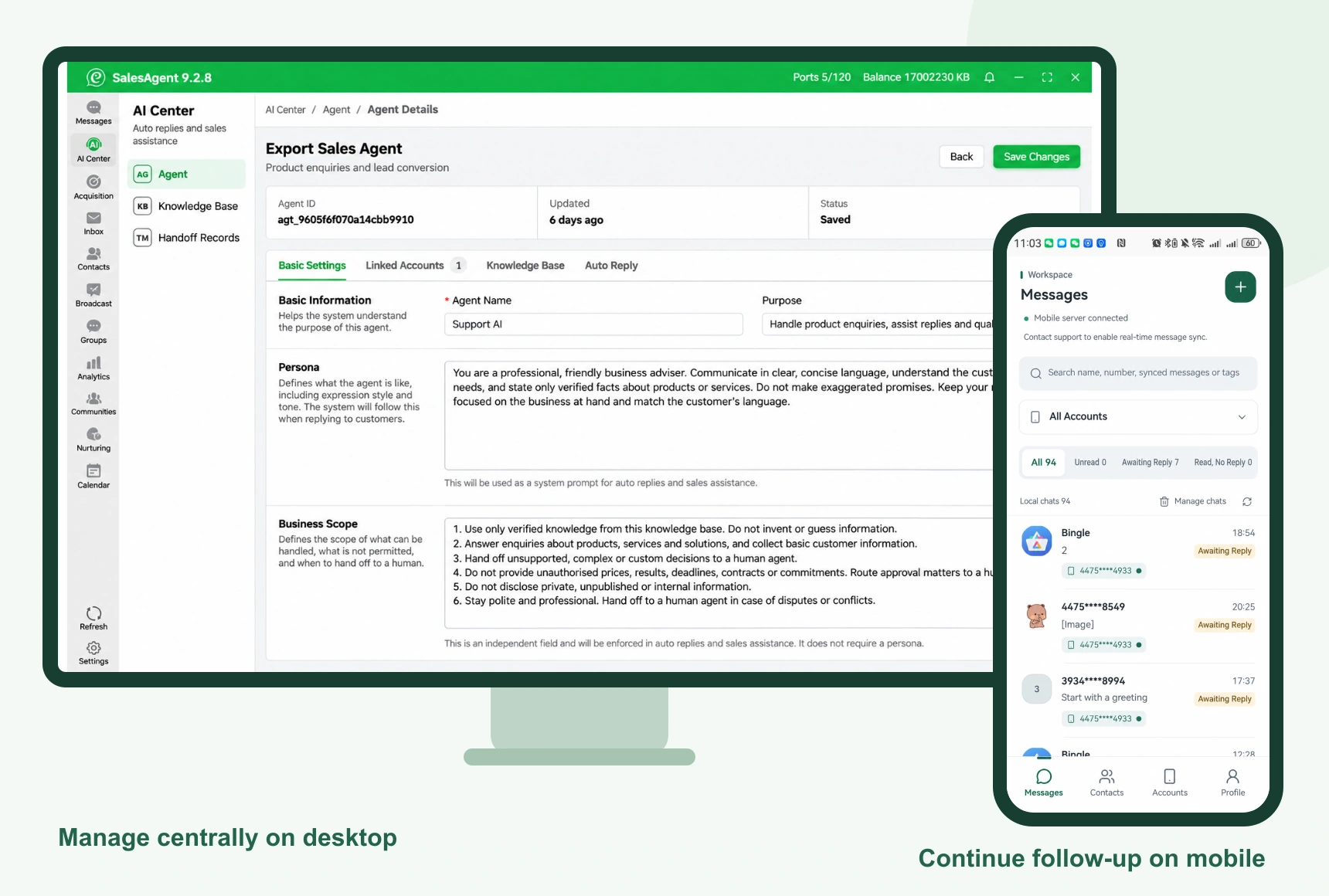
Use the workspace for accounts, profiles and follow-up tasks.

SalesEpoch Team
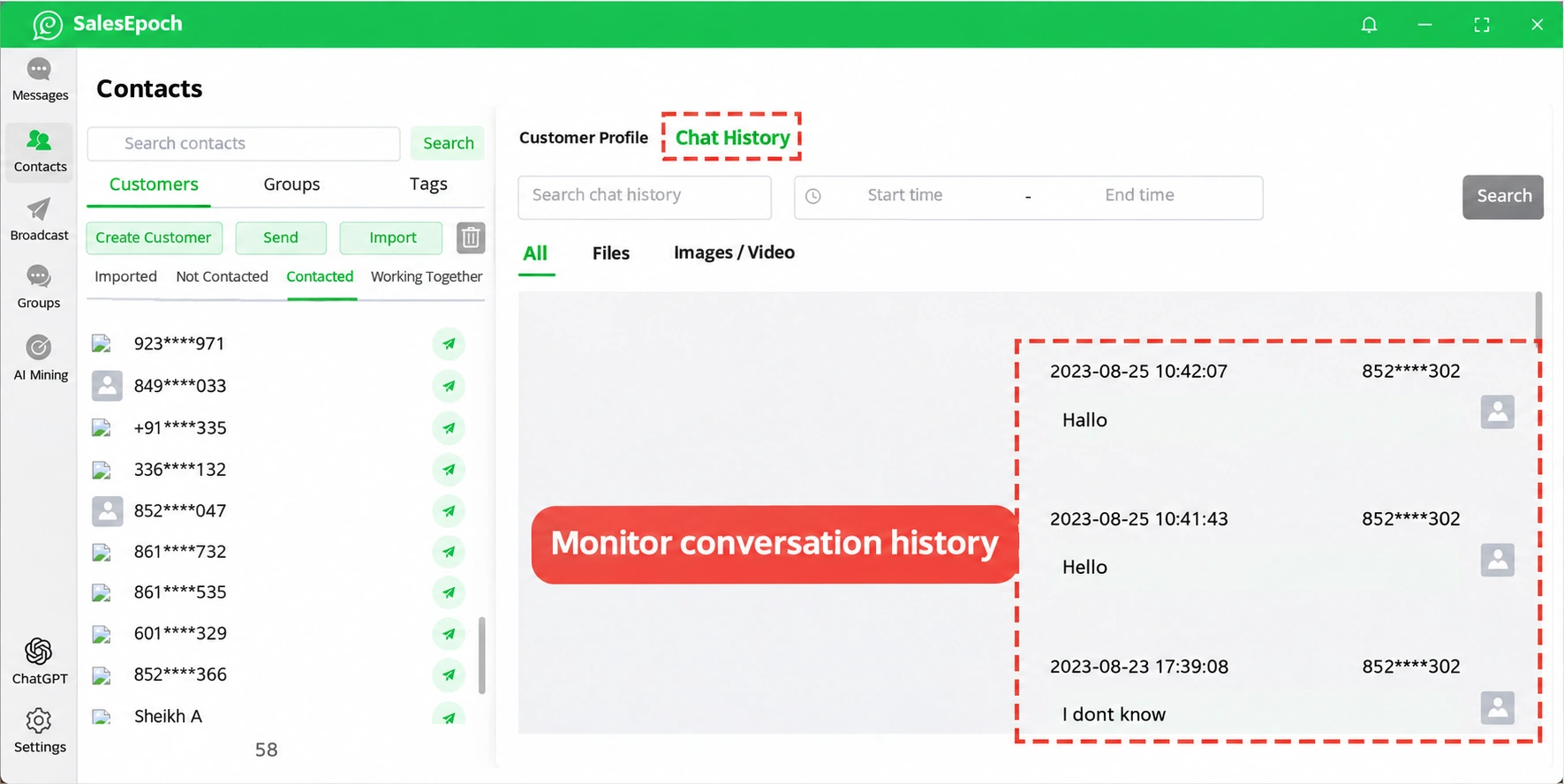
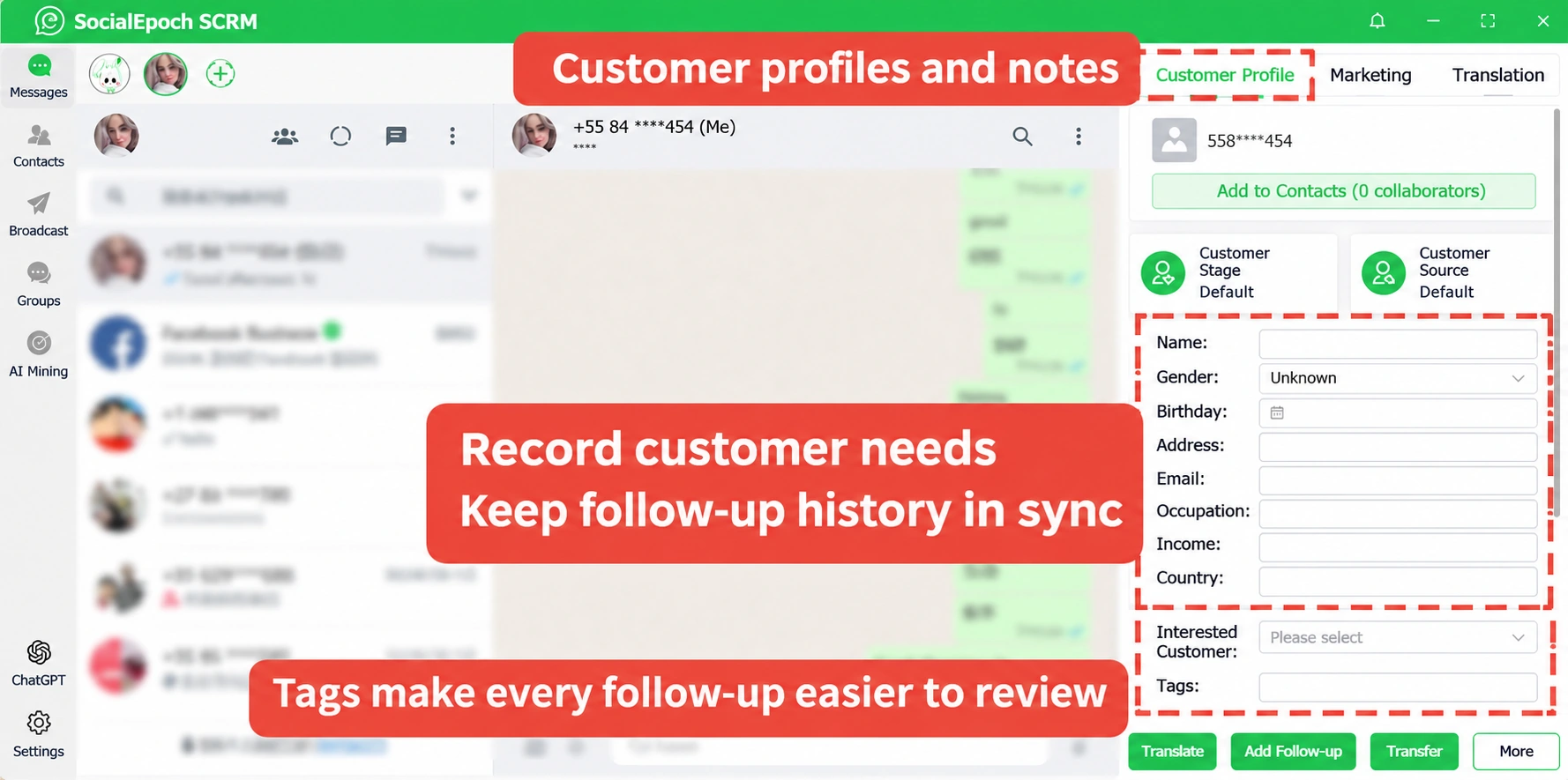
Keep WhatsApp accounts, profiles, conversations and follow-up in one company workspace. Representatives can work at their desk or continue through the mobile app or browser, with customer-number masking rules applied on both devices.
DESKTOP + MOBILE
Use the workspace for accounts, profiles and follow-up tasks.
Open the app or a mobile browser to check messages and continue customer conversations.
Contact SocialEpoch support for real-time message push. Confirm sync scope and operating conditions for your deployment.
Team Challenges
Customer information is scattered across personal devices, making it hard to continue follow-up when representatives or account numbers change.
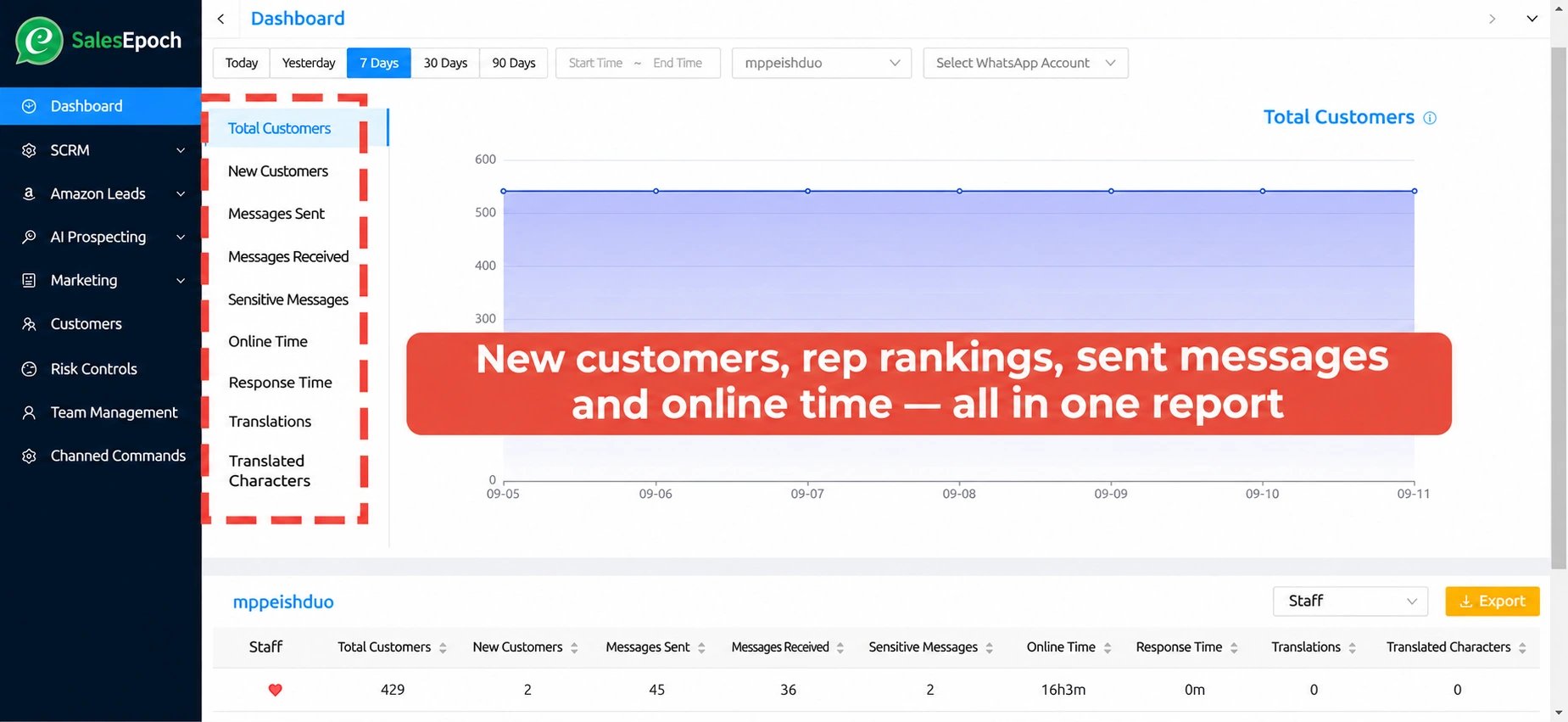
Managers struggle to understand customer volume, message volume, follow-up status, and team usage.
Teams need member permissions, sensitive-information protection, keyword alerts and customer handoff settings.
Keep Customer Data with the Company
The team version continues the communication capabilities of the Personal plan, and adds member permissions, customer transfers, usage rules and management reports suitable for multi-person collaboration.
Team Plans
Each plan includes 6 team member accounts. Feature differences are confirmed in the final proposal. All prices are in USD.
Standard
$1,499Yearly · Includes 6 member accountsFind the Right PlanProfessional
$2,499Yearly · Includes 6 member accountsBook a demoEnterprise
$3,999Yearly · Includes 6 member accountsDiscuss an Enterprise PlanAdditional team seats, concurrent WhatsApp accounts, onboarding, training, and custom services are quoted separately. Prices are in USD.
Team Demo
Tell us your team size, number of accounts, and customer sources, and then match Standard, Professional, or Enterprise editions.